Creatium Studio

One tool to build interactive learning that sticks

Build the most interactive training and practice
that your learners can't easily forget.

Walkthrough

Make training interactive

Actually interactive

Training that puts you on the spot

See all features
Explainer video: a presenter introduces How to write great prompts
Reel · 60 sec
How to write great prompts
Reels

Type a prompt, set your objectives, get an explainer video.

End session
The customer is ready to…
buy72%
leave16%
talk8%
Type or unmute to askListening…
Coaches

Turn any content into a course taught by a coach you can question.

ScenarioTell a top performer she didn’t get the promotion.
I did everything you asked. What more do you want?You did. Let me walk you through what I saw…
Type or unmute to reply
Roleplays

Practice difficult conversations with a lifelike avatar before the real one.

3 OF 5
A teammate pasted a client contract into a public AI chatbot to summarise it. What’s your first move?
Delete the chat and move onFlag it to your security team
Which part of a prompt sets the AI’s role?
The format lineThe role line
Knowledge checks

Check understanding with quick quizzes and real-world scenarios.

How lessons work

A PDF walks in. An interactive lesson walks out.

01 / 04
01

Bring what you already have

A PDF, a deck, a recorded session, a policy document, or just a brief.

01

Bring what you already have

A PDF, a deck, a recorded session, a policy document, or just a brief.

02

Build it with AI, not from scratch

Avatars, voice, slides, graphs and branching scenarios are generated from that brief, so a first draft takes a fraction of the usual time.

03

Review it together

Your team reviews and edits in real time. Dozens of instructional designers can work at once.

04

Publish where people already learn

Publish direct or export to your LMS, SCORM-compliant and with progress tracking.

Create an interactive video
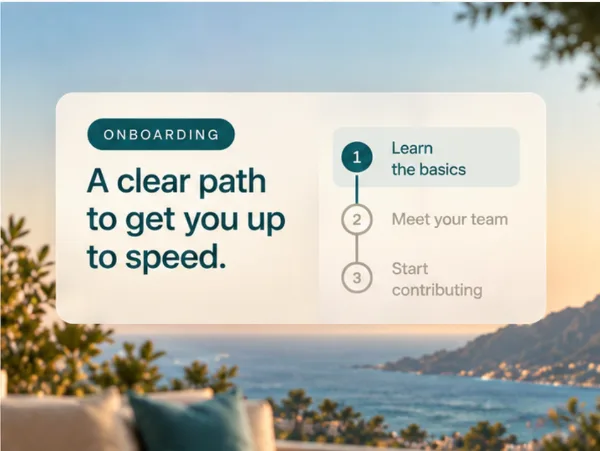
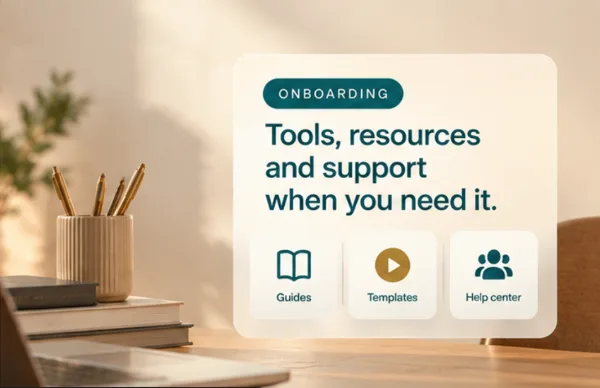
Create an interactive onboarding
Onboarding document.pdf· 2.4 MB
Upload files
Your files
Onboarding document.pdf
Team handbook.docx
Benefits overview.pptx
Math•••Create lesson
Suggestions:Delivering feedback that landsDelegating with clarityNavigating team conflict
Interactive onboarding training
CommentsLDExport
0:01 / 0:10Script
Welcome to your first 30 days at the company. Over the next few minutes, we'll walk through who you'll meet and how your first week works.
Interactive onboarding training
CommentsLDExport
JG
JGJanice G.now
Try “Your first month”
Comment
0:01 / 0:10Script
Welcome to your first 30 days at the company. Over the next few minutes, we'll walk through who you'll meet and how your first week works.
Interactive onboarding training
CommentsLDExport
Download as SCORM
Copy link
Copy iframe
0:01 / 0:10Script
Welcome to your first 30 days at the company. Over the next few minutes, we'll walk through who you'll meet and how your first week works.
Deploy & measure

You can see whether it worked

L&D sees who’s practiced, where they’re confident, and where they need another rep. See real signals you can act on, not just completion checkboxes.

01
Rubric-based evaluations

Analytics scores practice against the rubrics your team sets, so a result means something specific rather than “completed”.

02
Progress that reaches your LMS

Completion and progress tracking flow back through SCORM into the system your reporting already runs on.

03
Feedback in the moment

Roleplays give feedback in real time or against an assessment; the person gets tips while it still matters, not a week later.

04
One place to manage it

Centralized content management and learning-path distribution, so what your team builds reaches the right people in the right order.

Proof

What it looks like at scale

1–1x
faster content creation
0%
lower cost per video
Publisher in Pittsburgh
0K
videos made in 11 months
Publisher in Pittsburgh
On-brand, on-message

It stays on script. Your script.

Coaches and lessons answer from your material, and stay inside the lines you set.

Your knowledge base

Coaches and lessons answer from your policies, your product, your material, not the open internet.

Topic guardrails

Set which topics are in bounds and which aren’t; every conversation stays inside them.

Pronunciation dictionary

Names, acronyms, and terms, said right every time.

Real people, real progress
Honestly, if it wasn’t for Creatium, the thousands of interactive videos we’re making simply would be out of the budget. But with Creatium’s AI-powered tool, it’s possible. ”
Charlie Thayer
Chief Academic Officer, Lincoln Learning
01 / 04
Rollout & security

Ready for your LMS and your security review

On-premise deployments

Your data never leaves your system, and we protect your proprietary information.

SCORM & LMS-ready

Coach content is SCORM-compliant and distributes through your LMS with progress tracking, centralized content management, and learning-path delivery.

SSO

Enterprise single sign-on through your SAML identity provider.

Your data stays yours

We don't use your inputs, outputs, or personal information to train third-party AI providers. Creatium is built to comply with GDPR and UK GDPR, along with privacy laws in Canada, Australia, New Zealand, South Africa, and 20 US states.

GDPR & FERPA-ready

We align to GDPR, UK GDPR, and FERPA. We only list certifications we can produce evidence for. See the certifications below, and ask us anytime.

WCAG 2.1 AA

We conform to WCAG 2.1 AA and Section 508, with captions, screen-reader support, and respect for system preferences like reduced motion. A VPAT is available on request.

What will you create today?