
What you’ll learn
How to collaborate with teammates in Creatium Studio by sharing projects, managing access, and working together efficiently on content and activities.
Collaboration tools
Step 1: Access collaboration features
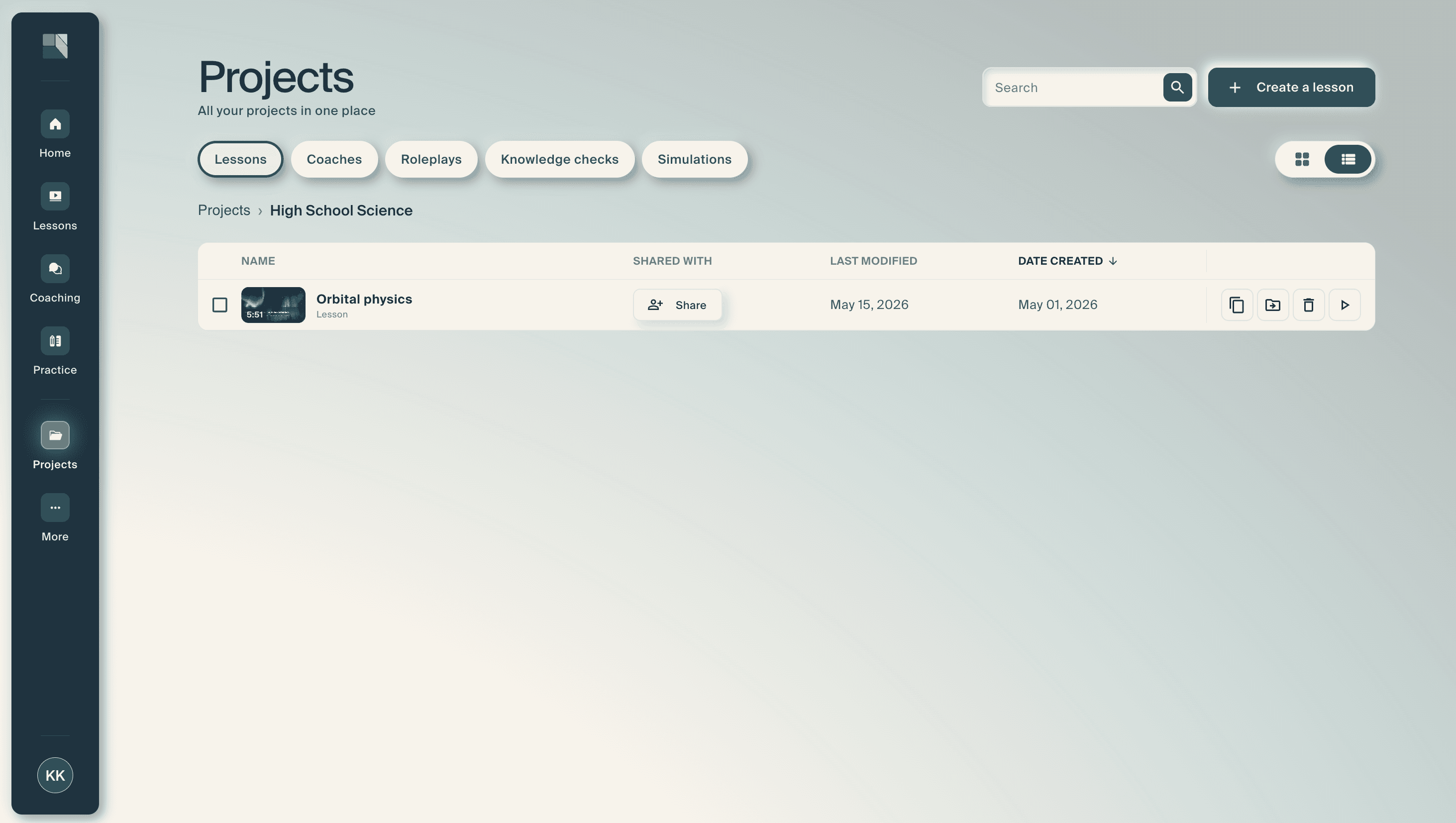
View your creation in Creatium Studio under “Projects”,
“Lessons”, “Coaches”, “Roleplays”, “Knowledge Checks” and “Simulations”.
Step 2: Invite collaborators
Click the “Share” button and enter the email address of the person you want to collaborate with and send the invitation. The email address must be registered to your organization’s account.

Share while editing a lesson
Step 1: Open the lesson you intend to share
Step 2: Share the lesson
Select the share button (person with plus sign) in the top right corner and type the recipient’s email, select “invite”.

Step 3: Collaborate in real time
Multiple team members can work on the same project (slide deck or interactive video)
