What you’ll learn
How to publish and export your Creatium Studio-generated video with your learner community in various formats, such as iFrame and SCORM files.
Sharing your interactive lesson
Navigate to your “Projects” to track your video’s render status. Once complete, select the “View video” triangle button on the far right of the screen to proceed with publishing.

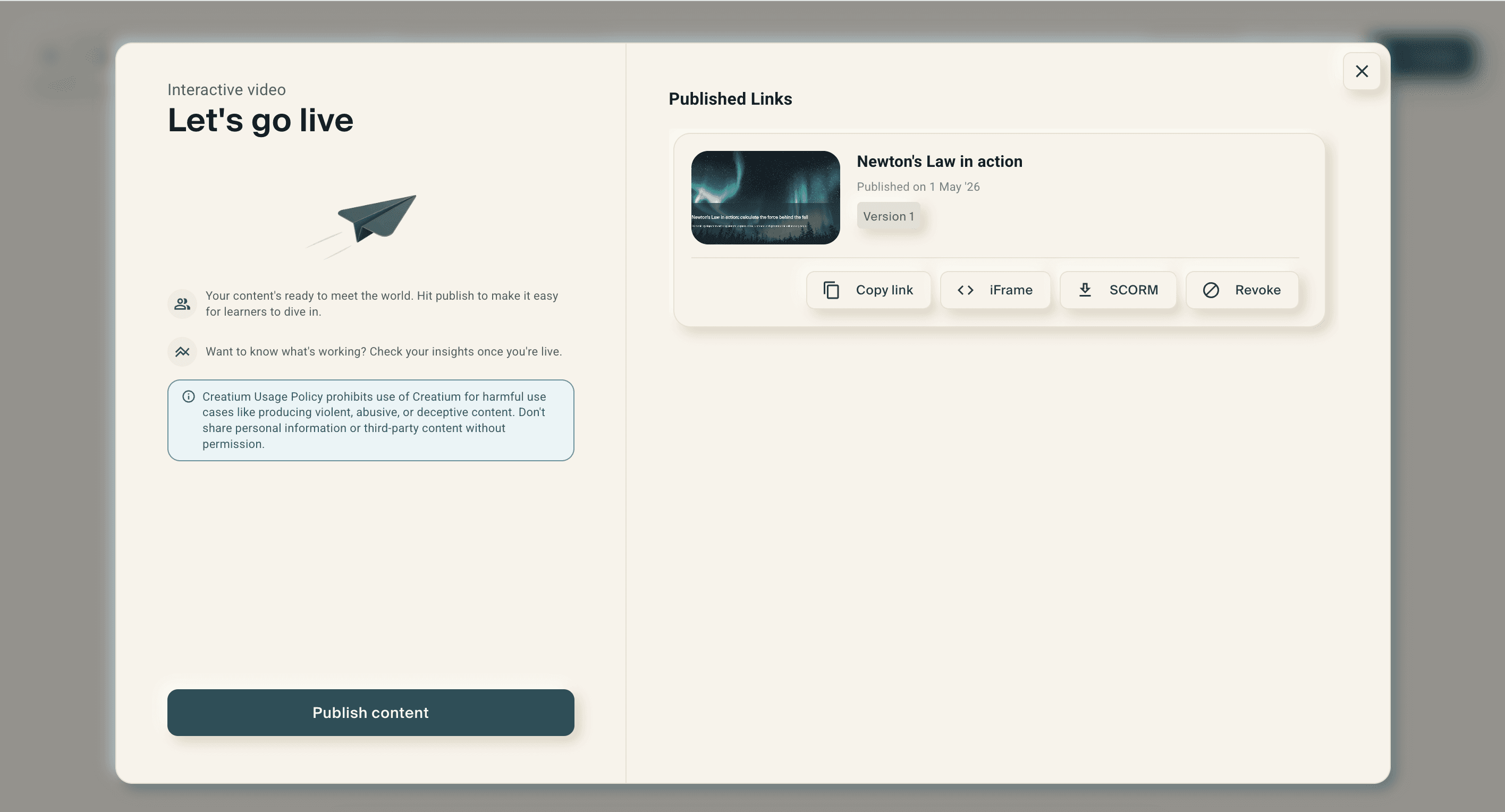
Select the “Publish content” button to add your video’s details.

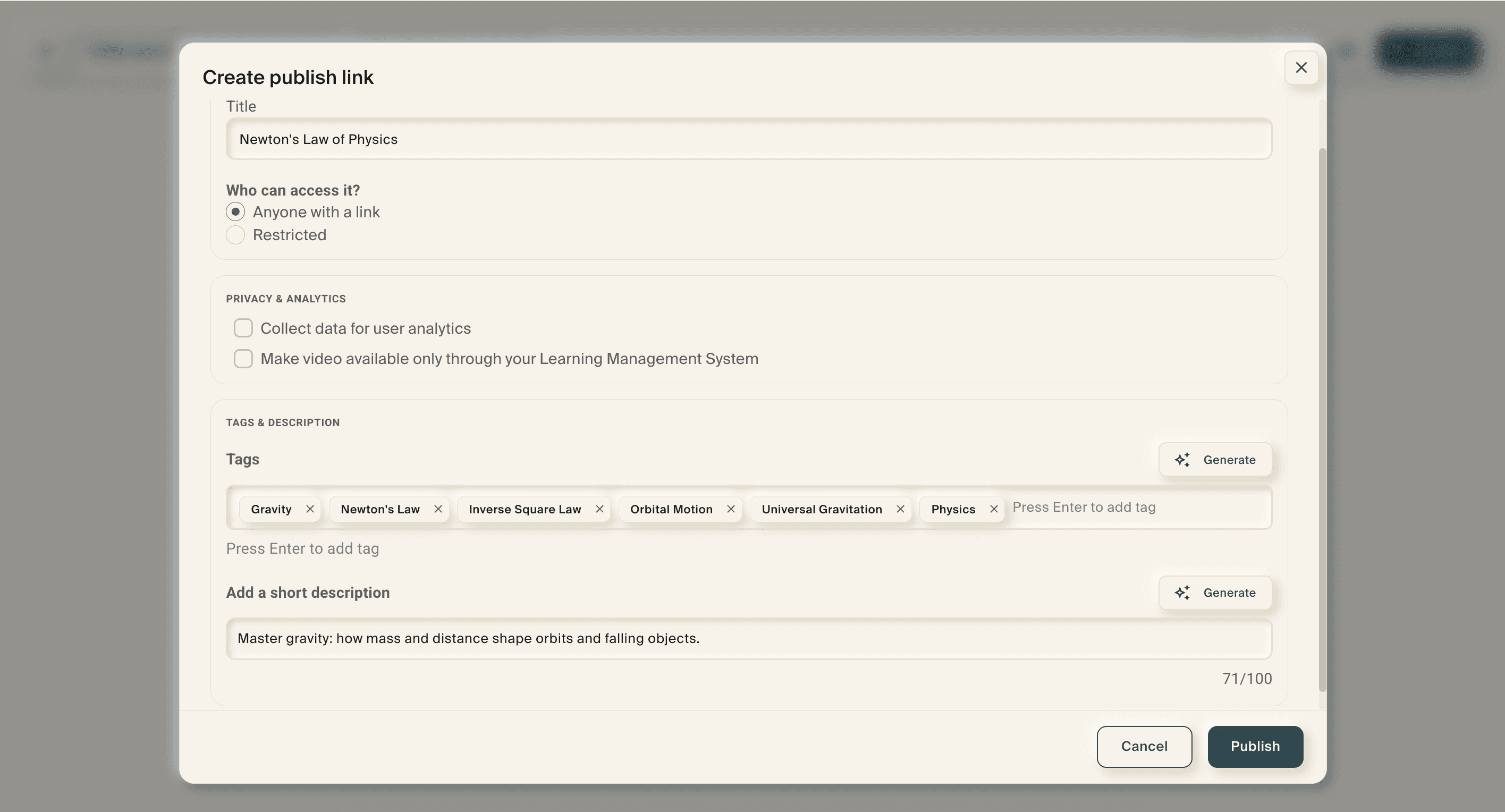
Add your video descriptions like a title, tags, and description prior to selecting the “Publish” button.
Share your video with learners via link, embed URL, iframe and SCORM file.